
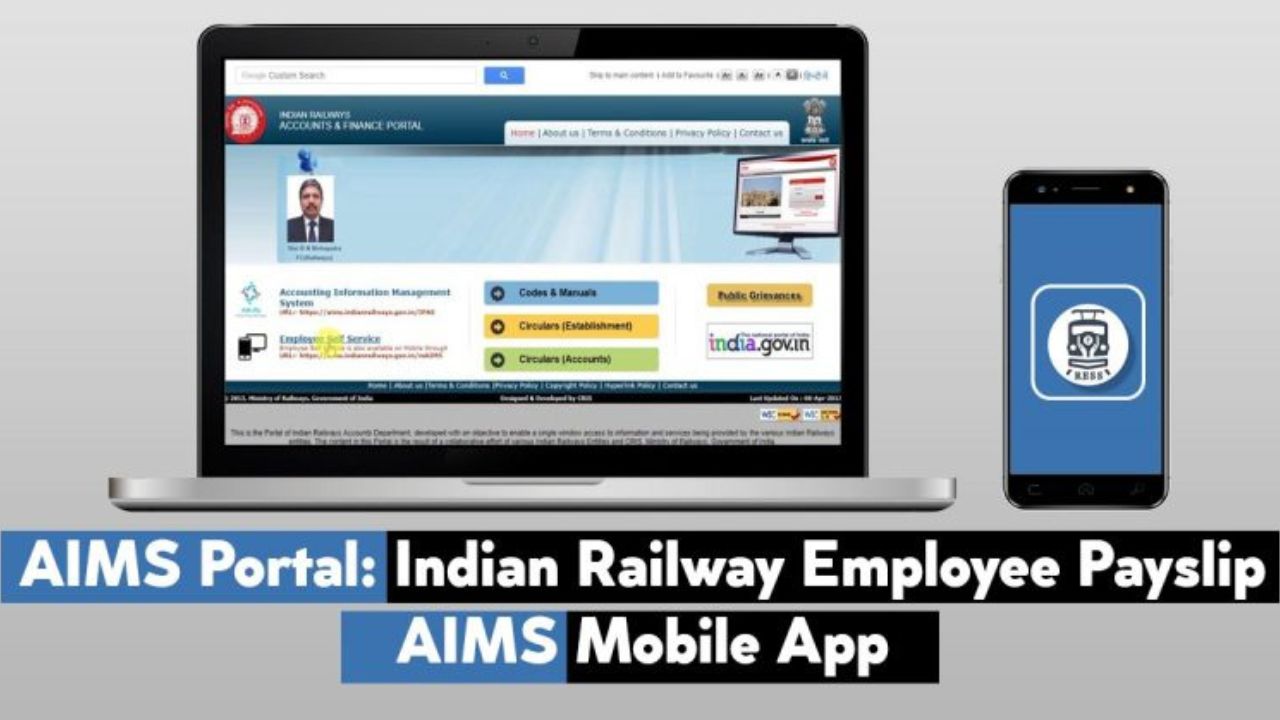
The AIMS portal, launched by the Indian Railways, tracks employees’ salaries, PF, service records, and other financial information online. The Ministry of Railways’ website aims to digitize railway employees through the central government. It offers features such as employee self-service, supplier bill status, and downloading the RESS mobile app.
AIMS, an online system launched by Indian Railways, provides e-services to its employees. Employees can view their salary slips, PF statements, and bonus details online. This article details the registration process.
What is AIMS Portal?
The railway department has launched an online portal to assist employees and officers. It was developed by the Center for Railway Information Systems (CRIS). The AIMS (Accounting Information Management System) portal enables Indian Railways employees to access services such as payslips, income tax statements, provident fund statements, and more.
Also Railway employees/officers can use this online system to view their personal biodata, service and pay details, pay slip records, deductions, provident fund details, income tax details, salary loan etc.
Key Benefits and Features of the AIMS Portal
- Employees can check their salaries, pensions, health insurance, and other benefits through the AIMS portal.
- Employees’ salaries/payslips can also be downloaded through this portal.
- The status of all trains can be checked through the portal.
- Using the AIMS portal can save people time.
Services Offered by AIMS/ RESS Portal
- Biodata
- Download Salary Payment PDF
- Salary Details
- Additional Payments
- Record of Leaves Taken
- Provident Fund Account and Withdrawal Application
- Details about Loans and Advances from Organizations
- NPS Recovery
- Income Tax Details
- Other Allowances and Insurance Schemes
How to Make AIMS Portal Online Registration
- First, railway employees must visit the official website: https://www.aims.indianrailways.gov.in/.
- Click on the “Employee Self Service” link on the left side of the page.
- After clicking on the link, click on “Railway Employee Self Service.”
- Now you need to click on the “New User Registration” option.
- The online registration form will appear.
- After entering the employee number, mobile number, and date of birth, click the “Submit” button.
- The portal will verify the employee number and the system will send a password to the employee’s mobile number.
- Employees can easily log in to the portal using this password.
Download RESS App from Google Playstore
The RESS mobile application has been developed for the convenience of Indian Railway employees. The application can be downloaded from the Google Play Store. Employees wishing to use this portal can easily download the RESS mobile app by following the steps below.
Step 1: Visit Google Play Store to install the app or open the official AIMS portal for free.
Step 2: The App can be downloaded directly by clicking on RESS Mobile App on the home page of the website.
Step 3: Search for RESS to download it from Google Play Store.
Step 4: After which you have to click on Install to download the app and the app will start downloading automatically.
Railway Employees Self Service (RESS)
Indian Railways (CRIS) has created an online portal to assist employees. Through this portal, railway employees can easily view their salary details, provident fund/NPS details, and salary-related loan information. Employees can download their payslips, including leave details, in PDF format.

He is a professional blogger, blogging expert, SEO strategist, and founder of Latestsarlariyojana.com. With over 10+ years in the industry, he helps creators and entrepreneurs build successful websites and blogs.