
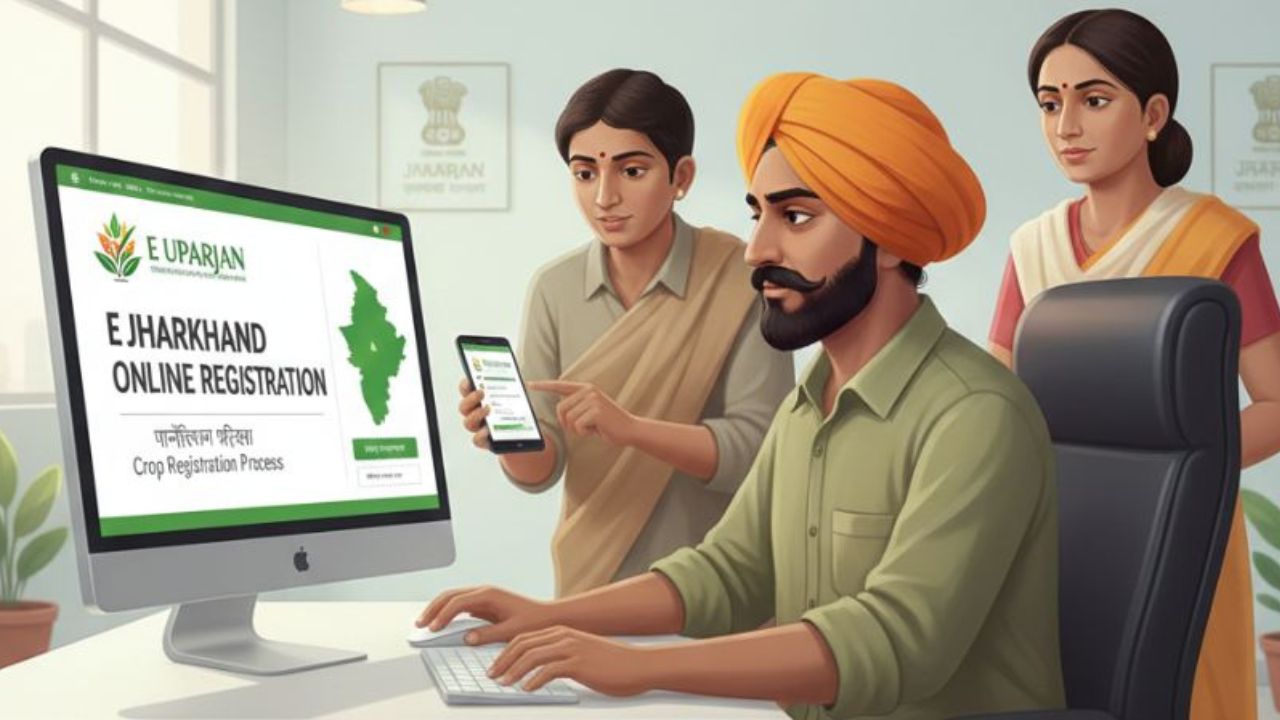
The Jharkhand e Uparjan portal has been launched for farmers in the state. This portal simplifies and simplifies the paddy procurement process. Are you a farmer looking to sell your paddy at a good price? Then selling paddy at an MSP center is a good option, allowing you to sell it in large quantities at a higher price than the local market.
The objective of this portal is to provide facilities like online registration, token receipt, paddy sale, payment status etc. to the farmers on a single platform.
What is Jharkhand E Uparjan?
Jharkhand government has released e-Uparjan portal for farmers, which is run by the Food, Public Distribution and Consumer Affairs Department. This portal helps all farmers in Jharkhand sell their paddy at a fair price. The purchase of paddy from various regions of Jharkhand is accomplished through block-level LAMPS. But to sell paddy at a good price in the LAMPS centre, farmers will have to register first.
Benefits to farmers from E Uparjan purchase
Under this scheme, all farmers get the following benefits.
- Farmers receive higher prices for their paddy.
- Farmers can sell their paddy in larger quantities.
- Getting a higher price than in market shops.
- Selling paddy easily.
- Full payment within a few days.
UP Rajkosh New Registration, Login at rajkosh.up.nic.in
E Uparjan Jharkhand Registration Process
Any farmer who wants to sell paddy through e-procurement must first register. After this, they are provided with a Farmer ID. To register, you can follow the simple steps below.
- First, open the registration link on the official website – https://uparjan.jharkhand.gov.in/FarmerSelfRegistration.aspx
- Select the district name.
- Then, enter your name, mobile number, and Aadhaar number.
- Enter your password and ‘Conform Password’.
- Place a checkmark in the ‘I Agree’ box and click ‘Submit’.
- After this, log in and click the Details button.
- Then, two options will appear: Fill Details and Land Details.
- After filling in all the details in Fill Details, click Submit. You will then receive a Farmer ID. (Note: Make a note of the Farmer ID.)
- Now, finally, fill in the Land Details and click “Update.”
E Uparjan Jharkhand Farmers ID List check
If you want to see the name and “Farmers ID” of any farmer, then you can easily see it by following just a few steps-
- First, go to the ‘Farmers List’ web page.
- Then, select the district, block, panchayat, and village name.
- Now, click “Search.” All farmer names and IDs will appear.
- Note down the Farmer ID number so it can be used if needed.
How to view a farmer’s payment details?
If a farmer has sold paddy at a paddy center and wants to view their payment details, they can visit the official e-Uparjan website. To view their payment details, follow these steps:
- First, open the ‘View Payment’ web page of the official site.
- Enter the farmer’s Farmer ID and the last four digits of the Aadhaar number.
- After this, enter the registered mobile number and click on “Search”.
- Click on the Farmer ID number, now you can see all the details and payment details.
How to Reset Forgotten Password?
- Firstly go to the Forgot Password page of the Earning Jharkhand site.
- Select Miller/MSP Center in User Type. Out of which you have a login id.
- Select the District Name and User in the options and click on the ‘Submit’ button.
- After this ‘OTP’ will come on the registered mobile number, enter it.
- Create a new password and confirm the password and click on “Submit”.
E-Uparjan Jharkhand provides digital access to farmers in the state, allowing them to register from the comfort of their homes. They can also add land details and receive paddy sale times via SMS.

He is a professional blogger, blogging expert, SEO strategist, and founder of Latestsarlariyojana.com. With over 10+ years in the industry, he helps creators and entrepreneurs build successful websites and blogs.