
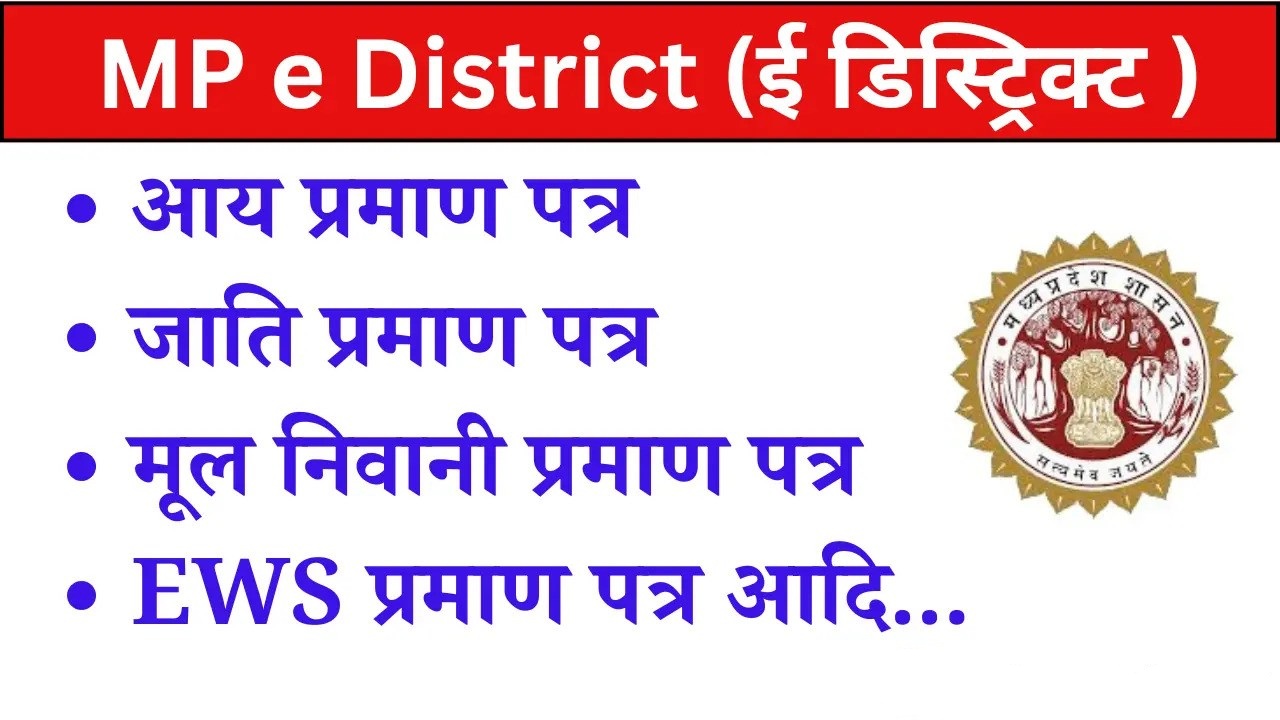
CSC registration for generating income certificates, caste certificates, domicile certificates, and birth certificates is provided here. Complete information regarding the MP e District portal is available on our website. In today’s post, we’ll share everything related to the MP e-District Public Service Center. This article also provides complete information about the portal’s benefits, objectives, and the documents required to apply.
Under this online portal, people can now easily apply online for any certificate like caste, resident, income, birth, death etc. sitting at home. In addition, this portal offers many other services. JOE is of great importance to the residents of the state.
Nowadays everyone is very busy, due to which they have to go to government offices to get any government work done, to deal with such problem, Madhya Pradesh government started this scheme. Under which you can complete all the government work through the online portal.
Mpedistrict.gov.in Portal
| Portal Name | MP E District Portal |
| Starte By | MP Government |
| State | MadhyaPradesh |
| Beneficial | Residents of the state |
| Services | Certificates, Licenses and Permits, Land and Revenue Pensions, Special Services |
| Official Website | http://www.mpedistrict.gov.in/ |
MP E District Portal
The e-District portal is an online website of the Madhya Pradesh state government, allowing you to process all your documents online from the comfort of your home. This portal is designed exclusively for the citizens of Madhya Pradesh and is very easy to use. also provides a wealth of information.
We’ll provide you with complete information about this below, so be sure to read this article completely. With this portal, you can easily obtain your birth certificate, caste certificate, and many other documents from the comfort of your home.
Purpose of MP E District Portal CSC
The primary purpose of the MP eDistrict CSC portal is to provide services to the general public. This portal was created so that people who cannot leave their jobs can apply for permits or government services from the comfort of their homes or offices. This portal is very easy to use. The steps will be explained below. I believe this online portal will benefit the general public of the state of MP. You can access this portal by clicking on the official website link.
Through this portal, you can complete many tasks from the comfort of your home. Many children often face difficulties in obtaining their certificates. But now, through this portal, you can get all your necessary documents made online. You won’t have to visit any office for this, and this will save a lot of time.
Ladli Behna Yojana: Apply Online, Installment, Eligibility
Benefits of MP E District Portal
The MP E-District Portal was launched for the state’s citizens. It allows them to complete all government-related tasks, including income, residence, and caste certificates, from the comfort of their homes. This portal has many benefits, which are outlined below.
- All citizens of the state will benefit from this portal.
- To use this website, citizens must first register, which is completely free.
- Through this portal, applications for certificates required at the tehsil can be made online from the comfort of their homes.
Following are the services available on MP e District Portal
- The benefits of this portal will be available to all citizens of the state.
- To use this website, citizens will first need to register, which is absolutely free.
- Through this portal, applications for certificates required at the tehsil can be made online from the comfort of your home.
- People can apply online for certificates such as caste, income, residential, birth, and death certificates.
- The portal is also very easy to use, requiring no special training.
- You can check your application status through the eDistrict Madhya Pradesh portal.
- You can also register your complaint on this website. This will likely resolve your problem.
Energy services – MP E District Portal
- Provide temporary electrical connection
- New connections of low pressure related to agriculture and agriculture
- Low Pressure New Connection for Industrial (MPEB)
- Low pressure new connection as per demand letter
- demand letter for temporary connection
- permanent electrical disconnection
- New connection of low pressure in urban area
- New connection of low pressure in rural area
- Meter Testing and Correction
- increase load
Registration services
- Registration after 1 year of death
- Registration after 1 year of birth
- Certificate for improvement of hand pumps and tube wells in urban areas
- Demand letter for new tap connection
- New tap connection as per demand letter
- Certificate for adding name to urban area list
- report on water investigation
- Provide new tap connection
Other services
- Renewal of Vendor License
- New Manufacturer’s License
- Registration of packaged goods
- Apply For New Vendor License
- Renewal of Manufacturer’s License
- Renewal of Correctional License
- Apply For New Correctional License
How to get MP E District Caste Certificate
- To obtain a caste certificate, you must visit the official website.
- The home page will open.
- Find the Caste Certificate option on the home page and click on it.
- Then, the application option will open.
- To apply, you must fill in all the required information correctly.
- After filling in the details, click on the submit option.
- After this, your application will be completed and your caste certificate will be ready within a few days.
- If you wish, you can obtain a print copy of your caste certificate online.
A caste certificate is very important, as it’s required for any application or government action. Therefore, it’s recommended that everyone obtain their caste certificate, domicile certificate, and birth certificate as soon as possible.
How to get MP E District Death Certificate
- To apply for a death certificate, you need to visit mpedistrict.gov.in.
- The home page will open.
- Click on the “Death Certificate” option.
- After this, you must fill in all the required information correctly to apply.
- After filling in the details, click on the submit option.
- Your application will then be submitted.
- Once the death certificate is generated, you can print it online.
How is MP Birth Certificate made
- To apply for a birth certificate, visit the official website.
- The home page will open.
- Find the Birth Certificate option on the home page and click on it.
- Follow this process by filling out all the required information correctly in the application form.
- After filling in the details, click on the Submit option.
- Your application will be complete.
- You can print out a copy of your certificate online.
How to do MP eDistrict Citizen Login/Registration?
- To log in to the MP eDistrict portal, you need to click on mpedistrict.gov.in.
- The home page will open.
- On the home page, you will find the Citizen Login option. Click on it.
- The next page will open.
- On the next page, you’ll need to enter your mobile number and captcha code.
- You’ll then receive an OTP on your phone, which you’ll need to enter.
- After filing, you can apply for any certificates you want.
- You can print a copy of your certificate online.
How to file a complaint online on MP eDistrict?
- To file a complaint, you’ll need to visit the official website.
- The home page will open.
- Click on the “Complaints” option on the home page.
- After clicking, a form will open in which you will need to fill in all the required information such as your name, address, phone number, subject of complaint, etc.
- After this, enter the captcha code.
- After filling in the form, click on the submit option.
- After this, your complaint will be registered.
How to Register on MP eDistrict Portal?
- To register online, click on the official website, mpedistrict.gov.in.
- The home page will open.
- On the home page, you will find the registration option; click on it.
- The form will open upon clicking.
- You will need to fill in all the required information, such as your name, address, mobile number, etc.
- After this, you will need to enter the captcha code.
- After filling in the details, click the Submit button.
- Your OTP will then be sent to your number, which you will need to enter.
- Your registration will be complete once you enter the OTP code.
If you need assistance related to your MP district, you can email locsevamp[at]gmail[dot]com. You will receive full assistance in the future. You can also contact an official by clicking on the contact details section on the portal.

He is a professional blogger, blogging expert, SEO strategist, and founder of Latestsarlariyojana.com. With over 10+ years in the industry, he helps creators and entrepreneurs build successful websites and blogs.