The Student Tracking System Karnataka login provides a centralized platform for monitoring academic progress, attendance, and performance across government schools in Karnataka. This guide explains step-by-step how to access your account, resolve login problems, navigate key features.
STS Portal Karnataka
The Karnataka government of India has developed the Students Tracking Portal in Karnataka state. It enables schools to record and analyze student data such as attendance, test scores and learning levels.
Key Features of the Student Achievement Tracking System (SATS)
Attendance Monitoring : Teachers can mark daily attendance, view absence trends, and generate alerts for prolonged absenteeism.
Check Academic Performance : Teachers input marks according to prescribed learning outcomes and platform automatically calculates overall performance. Also students check internal assessments, unit tests, and semester exams.
Document Upload & Sharing : Schools can upload scanned copies of report cards, certificates, and transfer documents directly into individual student profiles.
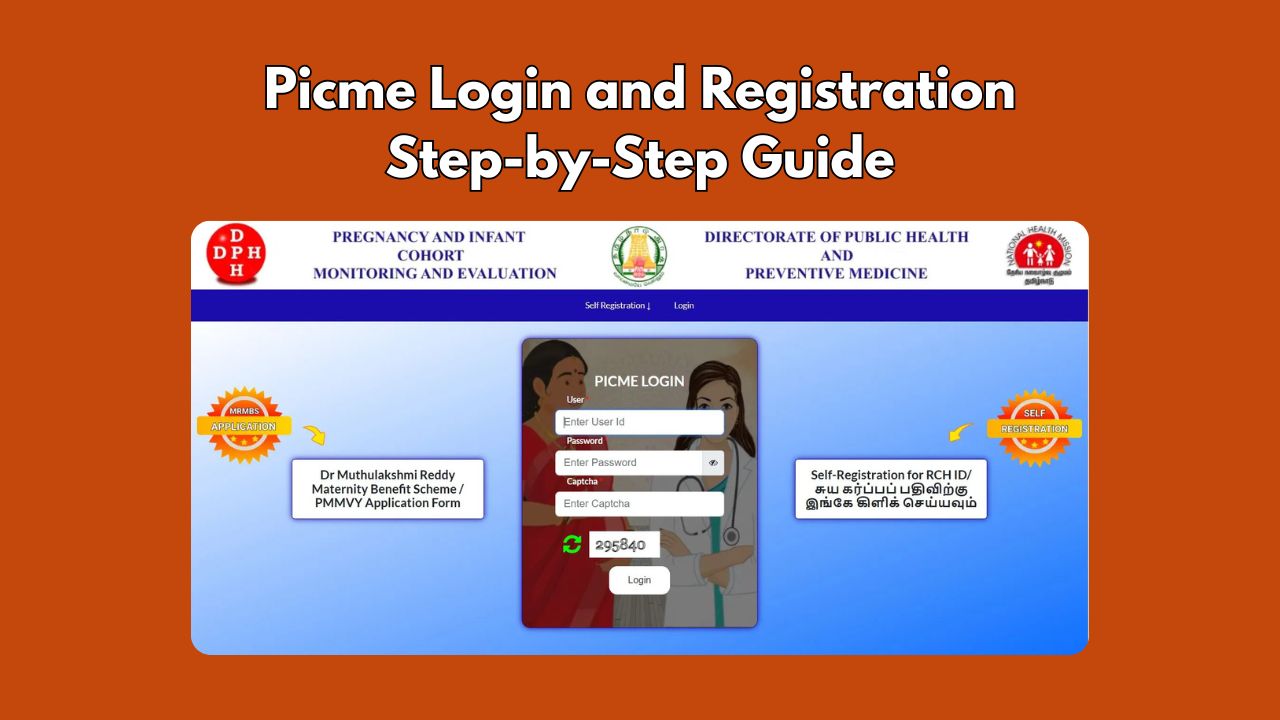
RCH Portal : Data Entry Online Login and Registration
Advantages of STS Karnataka Login
- Provides online learning materials to students in the state.
- Keeps Academic records like data analytics and academic student details
- Provides quality education for students across the state
- Enhances teacher-student relationship
- Ensured that education continued even during the COVID-19 period
- STS has made it easier for interested people to view student’s academic records online
- Promotes uniformity of education
- Helps to monitor the teacher-student ratio
- Rule out schools with no proper documentation
Who Can Use the STS Portal?
Each user type has a distinct login process based on assigned credentials from the school or district authority. The system serves multiple stakeholders:
Students: View personal academic records, attendance history, and assessment results.
Teachers: Input marks, track class performance, and generate reports.
School Administrators: Manage user roles, verify data entries, and submit consolidated reports.
District Education Officers (DEOs): Monitor school-level compliance and performance metrics.
How to Log In to Student Tracking System Karnataka
Follow these steps to access your account on the official STS website:
- Go to the official portal: https://sts.karnataka.gov.in
- Click on the Login button located at the top right corner.
- Select your user role:
- Student
- Teacher
- School Admin
- District Admin
- Enter your username and password provided by your school or DPI office.
- If two-factor authentication is enabled, enter the OTP sent to your registered mobile number.
- Click Sign In to proceed to your dashboard.
Troubleshooting Common Login Issues
Many users encounter difficulties when trying to log in. Below are frequent problems and their solutions:
❌ Username or Password Incorrect
This is the most common error. Ensure that:
- You’re selecting the correct user role before entering credentials.
- Your caps lock is off—passwords are case-sensitive.
- You’re using the latest password; some accounts require periodic resets.
If you’ve forgotten your password, click Forgot Password? and follow the instructions to reset it via SMS verification.
🌐 Page Not Loading or Site Down
If the site fails to load:
- Check your internet connection.
- Clear browser cache or try accessing the site in incognito mode.
- Use updated browsers like Chrome, Firefox, or Edge.
- Visit during non-peak hours (early morning or late evening), as high traffic can slow down server response.
How Schools Register on STS
Before students and teachers can log in, schools must first register on the platform. The process involves:
- Principal submitting Form A online or offline to the Block Education Officer (BEO).
- BEO verifying school status and infrastructure.
- DPI approving and generating a unique School Code.
- IT facilitator creating user accounts for staff and students.
Newly recognized schools may take up to 15 working days for activation. Through this portal, schools can avail various types of services.
The STS portal currently supports multiple languages, including Kannada, English, Hindi, and Urdu. The education system facilitates interaction between students, teachers, parents, government institutions, and staff. If you are a student, teacher, or administrator in Karnataka, I encourage you to use SATS Karnataka Login.
Disclaimer: The information published on Latestsarkariyojana.com is provided for general informational and educational purposes only. While we make every effort to keep the content accurate, up-to-date, and reliable, we do not guarantee the completeness, accuracy, or validity of any information published on this website.