
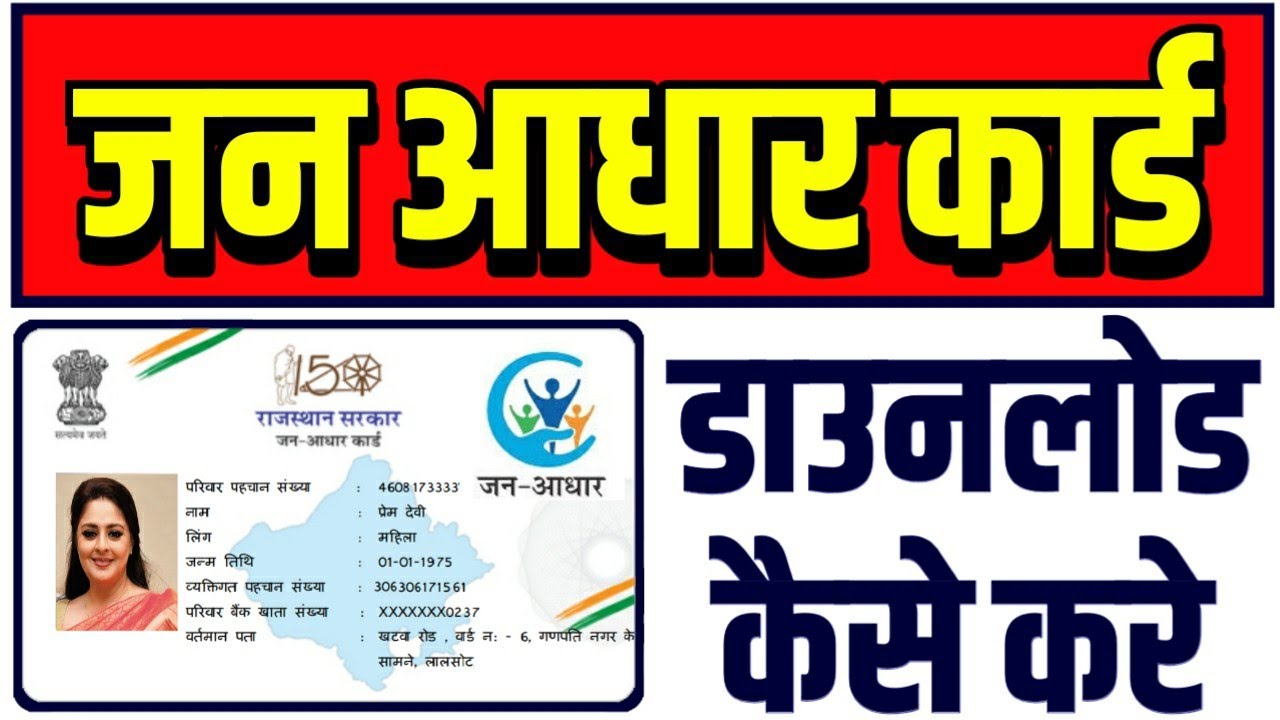
The current government of Rajasthan has launched the Jan Aadhar Portal, through which one can avail the benefits of various schemes of the state. If you are also a resident of Rajasthan state and want to avail the benefits of government schemes, then you can register by visiting Jan Aadhar Portal and get your Jan Aadhar card made.
Jan-Aadhaar Yojana also unifies the entire service delivery ecosystem of the state with “One Number, One Card, One Identity”/ Jan Aadhaar Yojana registration is started at the official website, people can even get Jan Aadhar number (ID). The Jan Aadhar Card Online Registration available for citizens enrollment.
What is Jan Aadhar Portal?
Jan Aadhar Portal has been launched by the Rajasthan Government to provide “One Number, One Card, One Identity” to the citizens with the main objective of creating a database of demographic and socio-economic information of the residents and families of the state. Along with this, through Jan Aadhar Card, people of Rajasthan can avail the benefits of all government schemes, e-commerce and insurance facilities.
Who can make the card?
Jan Aadhaar is a card issued by the government that allows families to benefit from various government schemes. For this, families will receive a 10-digit family identification number, which will be used to create the Jan Aadhaar card.
Services Covered Under Jan Aadhaar
Jan Aadhar offers numerous services in order to make things easier for the common man. Some of the services are listed below:
- Births and deaths are recorded
- Student enrollment via the Shala Darpan Portal
- Obtaining a Bonafide Certificate Application
- E-miter
- The E-mitra Plus
- eVault
- Total Examination Response
- Information system for disaster management
How to apply for Jan Aadhar Card
To get a Jan Aadhaar card, families can apply by visiting the Common Service Center or the Jan Aadhaar portal. You can also apply directly through the Jan Aadhaar portal. For this, the head of the family’s identity card, Aadhaar card, and ration card are required. Along with this, proof of age, mobile number, and address proof will be required.
Direct Links for Jan Aadhar Yojana
Forgot Registration – https://janapp.rajasthan.gov.in/janaadhaar/citizenForgotRegistration
Acknowledgement Receipt – https://janapp.rajasthan.gov.in/janaadhaar/getCitizenReceipt
Upload Documents – https://sso.rajasthan.gov.in/signin
Card Status – https://janapp.rajasthan.gov.in/janaadhaar/getCardStatus
Rajasthan Jan Aadhar Card List of Schemes
| No | Jan Aadhaar Services |
|---|---|
| 1. | Taking benefits of government schemes & public welfare schemes |
| 2. | Applicable as Proof of Identity (PoI) and Proof of Address (PoA) |
| 3. | Helpful in Setting up of eligibility criteria for welfare schemes |
| 4. | Availing benefits under Ayushman Bharat Mahatma Gandhi Rajasthan Swasthya Bima Yojana |
| 5. | For Public Distribution Scheme (Food Security Act) |
| 6. | Easy access through Jan Aadhaar Mobile App and maintaining list of beneficiaries so that no one is left out |
Apply Online for Jan Aadhar Card
To apply, first visit the official Jan Aadhaar website, https://janapp.rajasthan.gov.in/janaadhaar/. Once on the website, click on the “Jan Aadhaar Enrollment” option. Now the application form will open in front of you, where you will have to enter some information, such as the name of the head of the family, Aadhar card, mobile number and age proof of every member of the family.
Jan Aadhaar App Download
One can access the Jan Aadhar Card on their mobile phone application as well, which is just a click away. Given below are the steps to follow to download the Jan Aadhaar application:
Step 1: To start the process, you must first access the Google Play Store on your smartphone. You must look for and download the Jan Aadhaar app first.
Step 2: Once you download the app, you must launch it.
Step 3: When the app is opened, the ‘SSO Login’ option will appear; you must select it to continue.
Step 4: You have to first log in with your username and password in order to view the form app’s home page. You must select the ‘Get Jan Aadhaar ID’ option once you have determined your Jan Aadhaar ID.
Step 5: Your ID will show up on the screen, so remember to write it down. You can check the status by selecting the ‘Get Jan Aadhaar Status’ option.
Jan Aadhar Card Download Online with Mobile Number
- Download the Janaadhar App and look up the Jan Aadhar Card.
- The SSO Login option will show up when you launch the app; you must choose it to continue.
- Select the Get Jan Aadhaar ID option once you have your Aadhaar ID in hand.
- Your ID will show on the screen; make a note of it.
- By choosing Get Jan Aadhar Status, you can also see the status.
- Finally, to download your Jan Aadhar card to your phone, select ‘Get E-Card.’
- To preserve it for later use, take a screenshot of it or just download it using the Jan Aadhar Card download option.
Finally, after checking the form, submit it. This completes your online Jan Aadhaar card registration. After applying, take a printout of the form and keep it with you.
FAQs

He is a professional blogger, blogging expert, SEO strategist, and founder of Latestsarlariyojana.com. With over 10+ years in the industry, he helps creators and entrepreneurs build successful websites and blogs.