RCH Portal: Self Registration, Login and RCH ID Search
RCH portal login guide — the current address rch.mohfw.gov.in, self-registration for pregnant women and children, ANM data entry and RCH ID search.

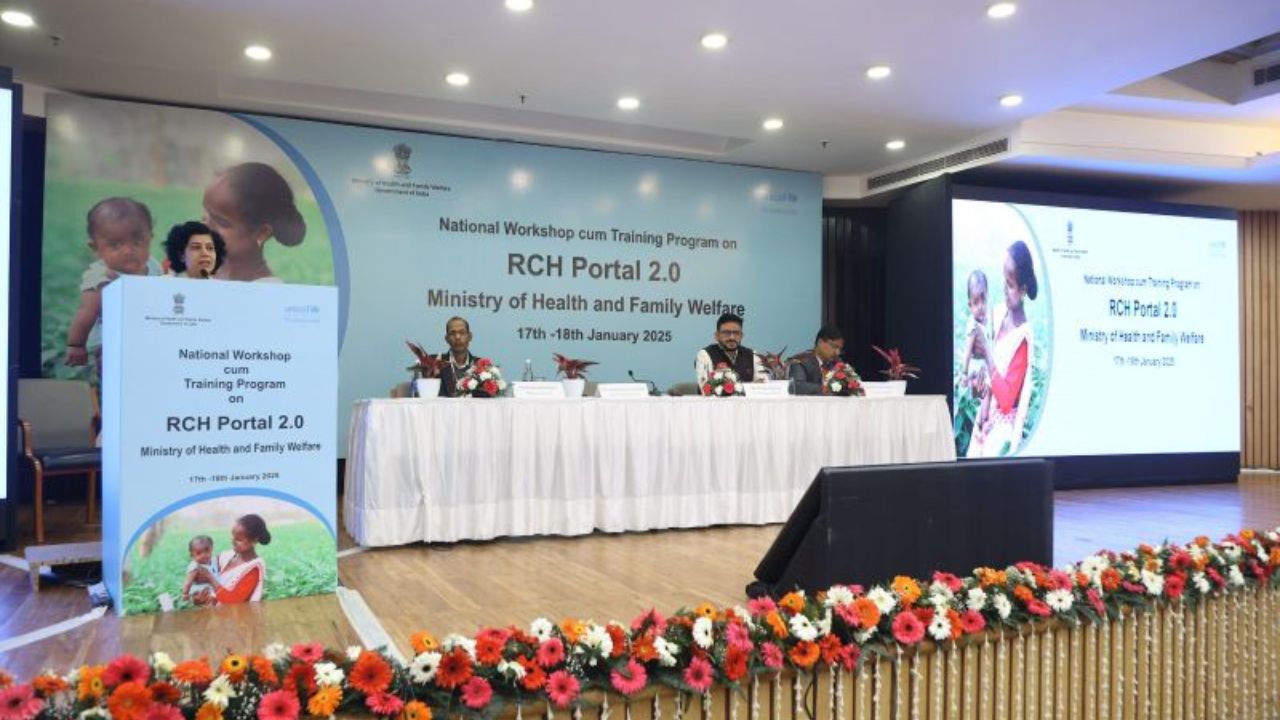
The RCH Portal is India’s official web-based platform under the Ministry of Health and Family Welfare for tracking reproductive, maternal, newborn, and child health (RMNCH) services. The Government program is expected to help women with infertility issues, the pregnancy cycle, and the childbirth process.
The Reproductive and Child Health (RCH) program is a legal initiative launched on 15th October 1997 in India. It enables name-based tracking of pregnant women and eligible couples to ensure delivery services like immunizations, ANC visits, and postnatal care.
The unique 12-digit RCH ID is mandatory for obtaining birth certificates. RCH portal of eligible users to gain information, register, date entry reports etc. The Government program is expected to help women with infertility issues, the pregnancy cycle.
RCH Portal Data Entry
After setting the location user should click the data entry tab on the menu. The system will open the data entry page. With different options, as shown below:
- The profile entry
- Eligible couples for the RCH program
- Pregnant women entry
- Child Data entry
- Health provider/ASHA entry
- Bank information entry
- Direct data entry
- Advanced search
- EC Re-registration
- JSY PFMS Module
RCH Portal Login
- Open the RCH website https://rch.nhm.gov.in/RCH/ page. (or) https://rch.mohfw.gov.in/
- From the homepage, select the option “data entry” and click the login tab.
- Proceed and select the link https://rch.nhm.gov.in/RCH/Login.aspx
- On the menu, select the state and state code.
- Next, enter the username and password on the login page.
- Enter the captcha code and select the login button.
- Applicants can now access any data from the page.
How to Set Location on the RCH Portal
To access the RCH data entry, the user must be a government official to have the login details. After login with the credentials, the user can begin the online rch portal data entry process.
- Go to the RCH portal using the website link. https://rch.nhm.gov.in/RCH/
- On the menu, select the option “set location.”
- Next, go to the “set data entry hierarchy” option.
- Choose the district, health block/ward, and health facility type.
- Select your PSC, sub facility, or center and village.
- Finally, click the set button.
RCH Portal ANM ASHA Registration
For the data entry list options, select the option health provider entry or the ASHA entry. Once you choose the choice, you need to do the ASHA worker’s data entry using the RCH Portal.
- Open the official Reproductive and Child Health (RCH) website portal.
- On the data entry section, click the options section II. https://rch.nhm.gov.in/RCH/Login.aspx
- Choose the ANM/ASHA registration.
- Continue, and a new registration form will open.
- Key in the required information such as village, name, and designation.
- Proceed and enter the father’s name, sex, and operational mobile number.
- Next, enter the address, joining date, and financial year.
- Enter the EID number and EID date.
- Select your network operator and bank information.
- Now enter your Aadhaar number.
- Recheck all details and submit the ANM/ASHA registration form.
- The system will complete the process, and you are registered in the RCH portal.
The RCH portal is the Government of India’s online system for tracking Reproductive and Child Health services. Quote the RCH ID at every check-up, at delivery, and when applying for maternity benefits.
Frequently Asked Questions
What is an RCH ID number?
A unique 12-digit ID assigned to each registered beneficiary — eligible couples, pregnant women.
How do I find my RCH ID if I lost it?
Check your Mother and Child Protection (MCP) card to search your record by name and mobile number.
What is ANMOL?
ANMOL (ANM Online) is the tablet application ANMs use in the field to enter and update the same RCH data.
Disclaimer: The information published on Latestsarkariyojana.com is provided for general informational and educational purposes only. While we make every effort to keep the content accurate, up-to-date, and reliable, we do not guarantee the completeness, accuracy, or validity of any information published on this website.