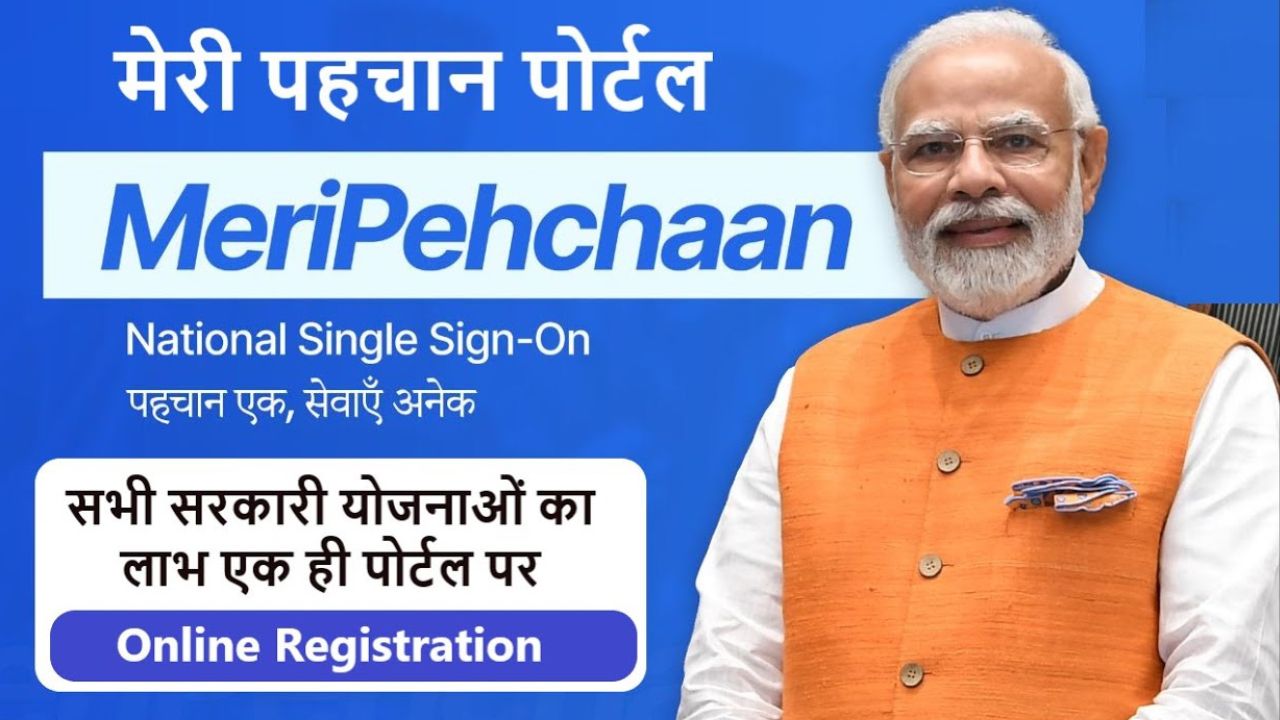
Recently, the government launched a new website Meri Pehchaan Portal, to make government services accessible to citizens. This portal works as a national single sign-on service. Through this portal, citizens can access information about all central and state government schemes launched by the government. Keep reading to get all the information you need.
Meri Pehchaan Portal
Meri Pehchan Portal was launched by the Ministry of Electronics and Information Technology, Government of India. This single sign-on platform helps you verify your identity in a safe and quick way. Once you sign in, you can access all the government portals.
This portal allows you to take advantage of government schemes launched by the central and state governments. You’ll also get updates about new and ongoing schemes on this portal. This requires registering on the portal once.
Details of Meri Pehchan Portal
| Portal Name | Meri Pehchan Portal |
| Launched by | Government of India |
| Beneficiaries | Citizens of India |
| Goal | To provide access to all services and schemes on one platform |
| Application Process | Online |
| Official Website | https://meripehchaan.gov.in/ |
This portal was started to bring all government schemes and services together on one online platform. Meri Pehchan Portal is completely free, this application does not cost any money.
Documents Needed for Registration on Meri Pehchan Portal
- Aadhaar Card
- Driving License or PAN Card
- Email ID
- Mobile Number
- Jan Parichay ID
- DigiLocker ID
Register on Meri Pehchan Portal
Follow these steps to register yourself on the portal and enjoy all the government schemes and services.
- Go to the official Meri Pehchan Portal website.
- The home page will open.
- Click on the Login option on the home page.
- A new page will open. Click on Register Now.
- The registration form will appear.
- Enter your mobile number and click on Generate OTP.
- Enter the OTP you received on your mobile in the box.
- Fill in your name, username, and create a password.
- Confirm your password by typing it again.
- Enter your gender, date of birth, and other details.
- Click the Submit button.
- You have completed your registration on Meri Pehchan Portal.
How to Login on Meri Pehchan Portal
- Visit the official Meri Pehchan Portal.
- Click on the Login option.
- You’ll see three ways to login: via DigiLocker, ePramaan, or Jan Parichay.
- Choose the option you prefer.
- The login page will open; pick how you want to login — by username, mobile number, or another method.
- For example, select username and enter your username and password.
- Click on Sign In.
- You are now logged in to the portal.
- Go to All Services, select your state, and check available schemes and benefits.
Meri Pehchan Portal is a government portal that helps you access all government schemes and services by registering once and logging in easily.
Disclaimer: The information published on Latestsarkariyojana.com is provided for general informational and educational purposes only. While we make every effort to keep the content accurate, up-to-date, and reliable, we do not guarantee the completeness, accuracy, or validity of any information published on this website.